
Sale!
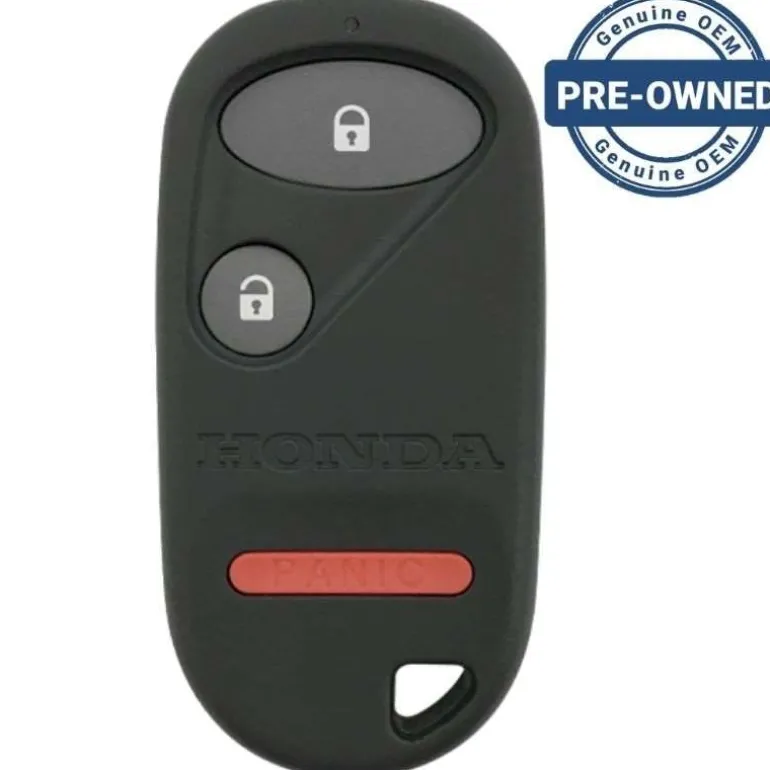
1999 Honda Civic Remote FCC ID: A269ZUA106
Original price was: 129,00 $.86,89 $Current price is: 86,89 $.
Before Purchasing
Important:Please make sure that your smart key fob looks identical and matches any of the part numbers or FCC IDs listed below. Contact Us with your VIN if you don’t have an existing remote for comparison.
Specifications
Part Numbers: 72147-S04-A01 and 72147-S04-A02
FCC ID: A269ZUA106
Buttons:
Frequency:
Remote Programming:
Battery: (included)
Programming Procedure #510
IMPORTANT: Entering the programming mode cancels all learned remote codes, so no previously programmed remotes will work. You must program all remotes, including existing ones now. Separate your ignition key from remotes on keychain.
- Start with your key in your right hand and any remote in your left hand. Keep all additional remotes easily accessible to your left hand. Insert the key into the ignition.
- Perform these steps within 5 seconds.
- Turn the ignition to the ON position (where the instrument panel lights are turned on without starting the engine.)
- Press the UNLOCK button on the remote and release.
- Turn the ignition back to LOCK (the position where the key is inserted) and leave the key in the ignition.
- Turn the ignition to the ON position (where the instrument panel lights are turned on without starting the engine.)
- Press the UNLOCK button on the remote and release.
- Turn the ignition back to LOCK (the position where the key is inserted) and leave the key in the ignition.
- Turn the ignition to the ON position (where the instrument panel lights are turned on without starting the engine.)
- Press the UNLOCK button on the remote and release.
- Turn the ignition back to LOCK (the position where the key is inserted) and leave the key in the ignition.
- Within 5 seconds turn the ignition to ON.
- Press the UNLOCK button on the same remote and release. The power door locks will cycle to confirm the system is in programming mode.
- Within 10 seconds press the UNLOCK button on the same remote again and release. The door locks will cycle to confirm that the system accepted this remote.
- Repeat step 5 for second or third remotes.
- Turn the key back to LOCK and remove from ignition to exit programming mode.
| Color | OEM New |
|---|
Be the first to review “1999 Honda Civic Remote FCC ID: A269ZUA106”
Related products
Sale!
Original price was: 4,00 $.2,89 $Current price is: 2,89 $.
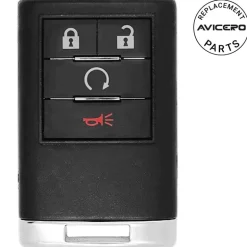
41,99 $
Sale!
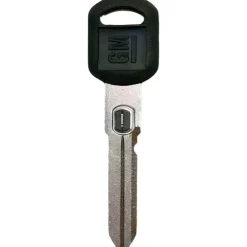
Original price was: 14,00 $.10,99 $Current price is: 10,99 $.
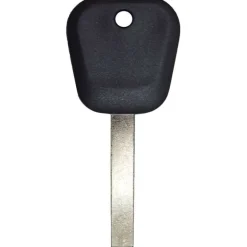
18,89 $
Sale!
Buick
Original price was: 29,00 $.20,89 $Current price is: 20,89 $.
98,89 $
Sale!
Original price was: 89,00 $.60,99 $Current price is: 60,99 $.
70,89 $
Sale!
Original price was: 69,00 $.48,89 $Current price is: 48,89 $.
48,99 $
3,99 $
0,89 $
Sale!
Original price was: 69,00 $.46,89 $Current price is: 46,89 $.
Sale!
Original price was: 119,00 $.78,99 $Current price is: 78,99 $.
Sale!
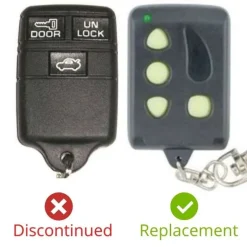
Original price was: 29,00 $.22,89 $Current price is: 22,89 $.
8,99 $
Reviews
There are no reviews yet.