
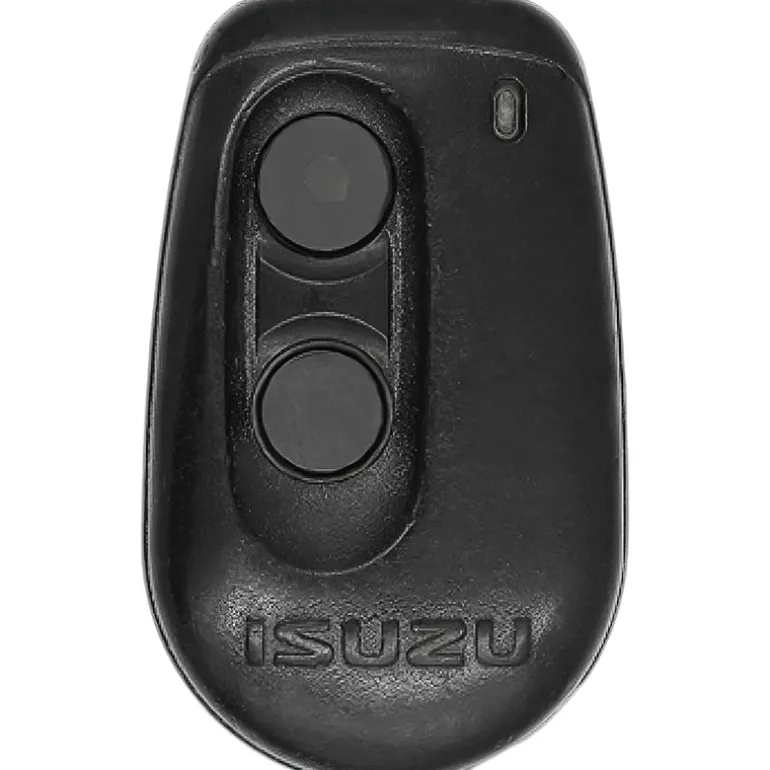
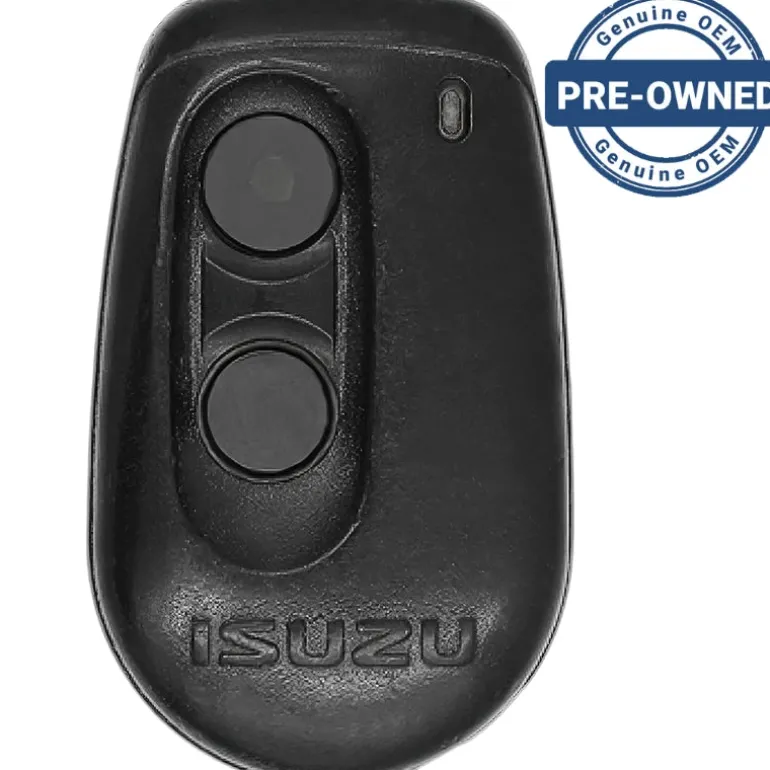
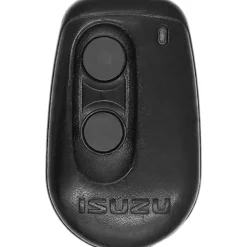
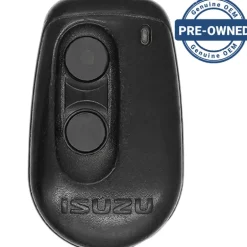
1999 Isuzu VehiCROSS Isuzu Remote BAB237131-013
21,89 $
Isuzu Factory Keyless Remote BAB237131-013 2 button with programming instructions and battery, free tech support
Before Purchasing
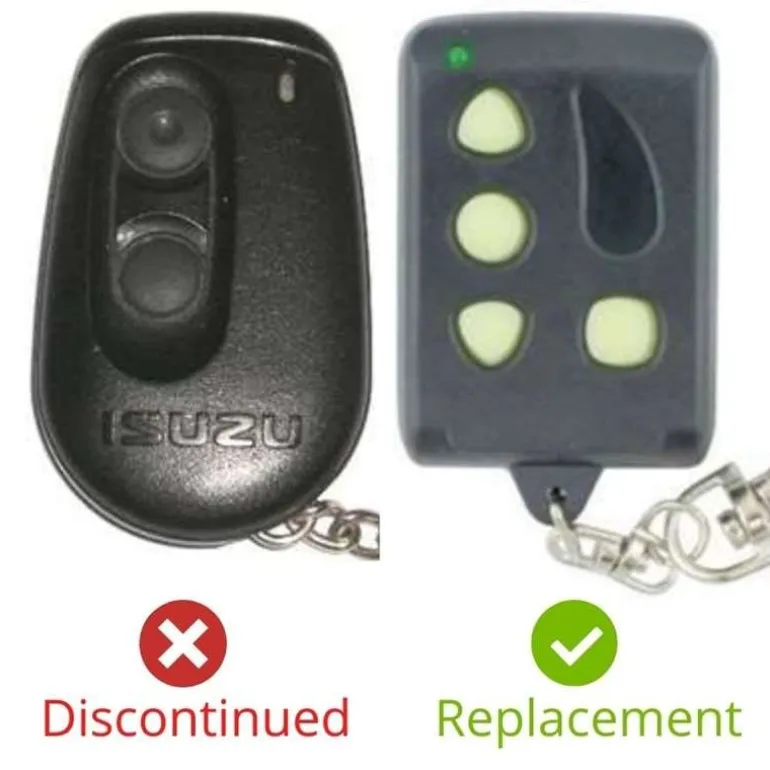
Important:Please make sure that your smart key fob looks identical and matches any of the part numbers or FCC IDs listed below. Contact Us with your VIN if you don’t have an existing remote for comparison.
Specifications
Part Numbers:
FCC ID:
Buttons:
Frequency:
Remote Programming:
Battery: (included)
Programming Procedure #478
- Remove the driver’s side lower dashboard panel to access the keyless entry brain.
- Turn the ignition to ON.
- Press and hold the green programming button on the side of the unit with a pen or pencil. You will have to poke through a hold about the size of a pencil located on the side. When the exterior or LED lights go on, release the programming button. Do step 4 within 5 seconds of step 3.
- Press and release the top button on the remote. Check that the LED goes out, the siren chirps, and the front lights flash to confirm that the remote has been accepted.
- If you have other remotes to program repeat steps 3 and 4.
- Turn the ignition to OFF.
| Color | Pre-owned, Replacement New |
|---|
Be the first to review “1999 Isuzu VehiCROSS Isuzu Remote BAB237131-013”
Related products
18,89 $
Sale!
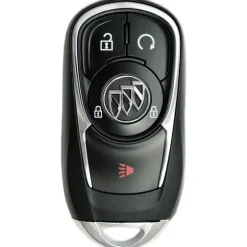
Original price was: 119,00 $.80,99 $Current price is: 80,99 $.
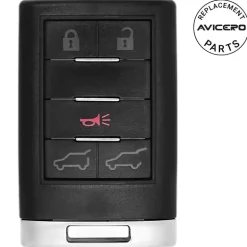
0,89 $
Sale!
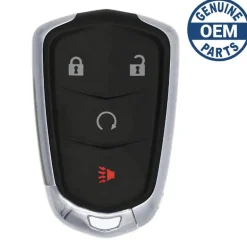
Original price was: 104,00 $.72,89 $Current price is: 72,89 $.
98,89 $
65,99 $
Sale!
Original price was: 139,00 $.95,89 $Current price is: 95,89 $.
Sale!
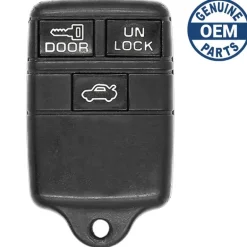
Buick
Original price was: 29,00 $.20,89 $Current price is: 20,89 $.
Sale!
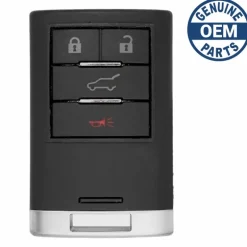
Original price was: 119,00 $.78,99 $Current price is: 78,99 $.
Sale!
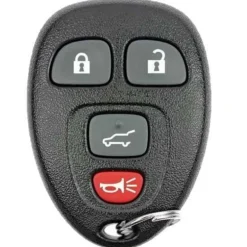
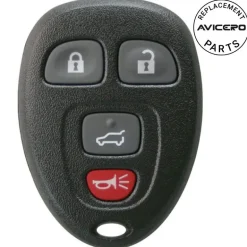
Original price was: 79,00 $.57,99 $Current price is: 57,99 $.
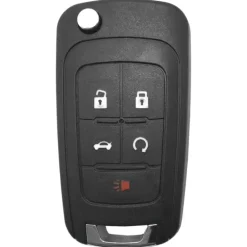
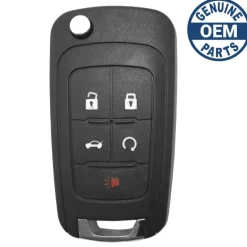
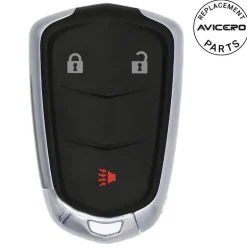
70,89 $
Sale!
Original price was: 69,00 $.46,89 $Current price is: 46,89 $.
Sale!
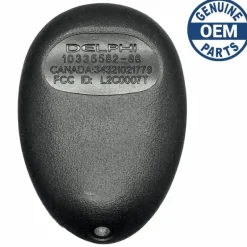
Original price was: 74,00 $.50,99 $Current price is: 50,99 $.
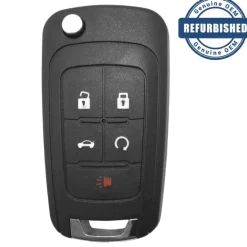
Sale!
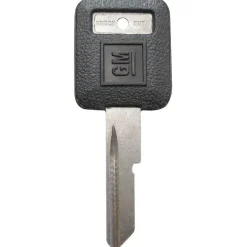
Original price was: 4,00 $.2,89 $Current price is: 2,89 $.
Reviews
There are no reviews yet.