
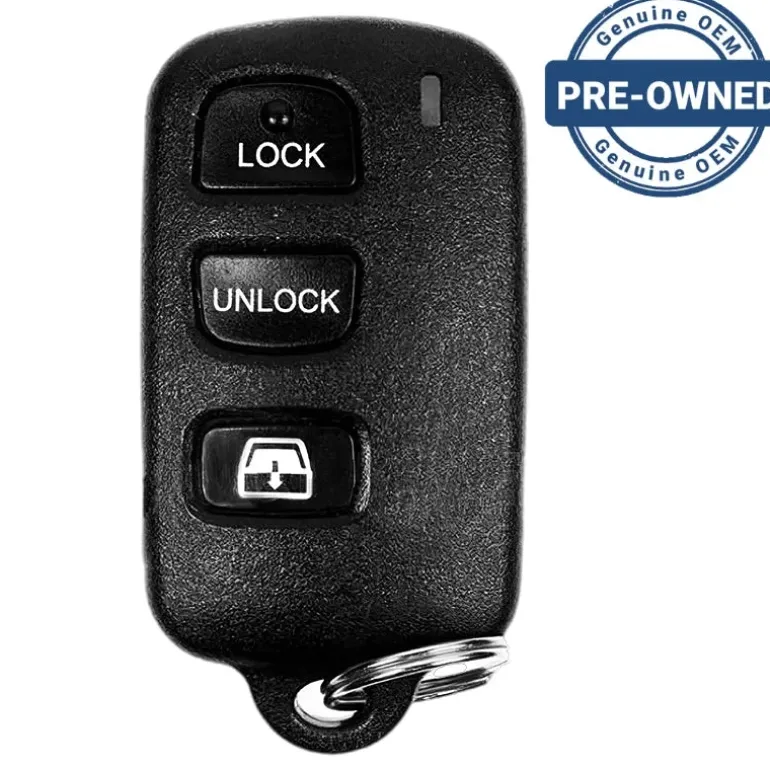
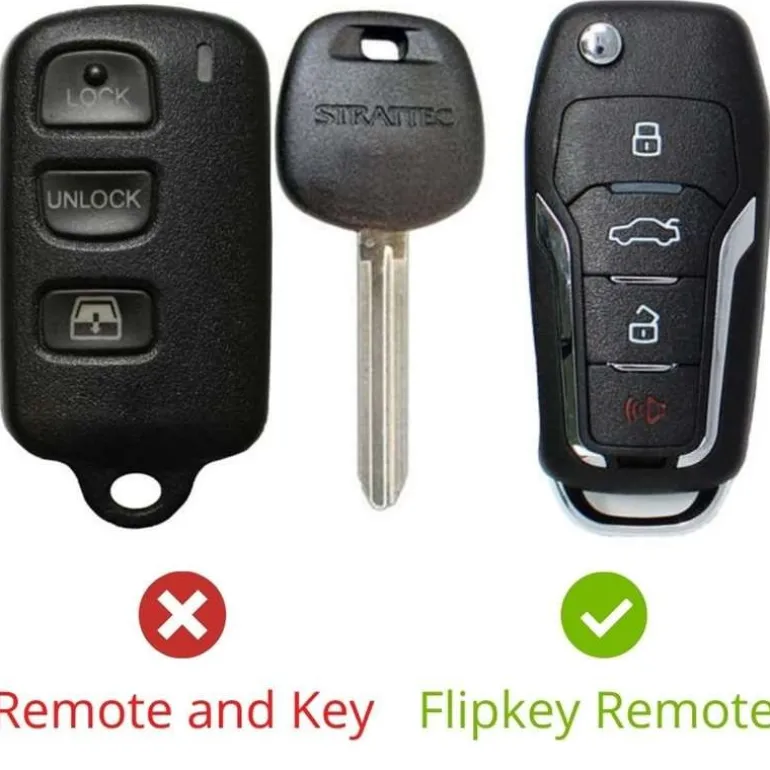
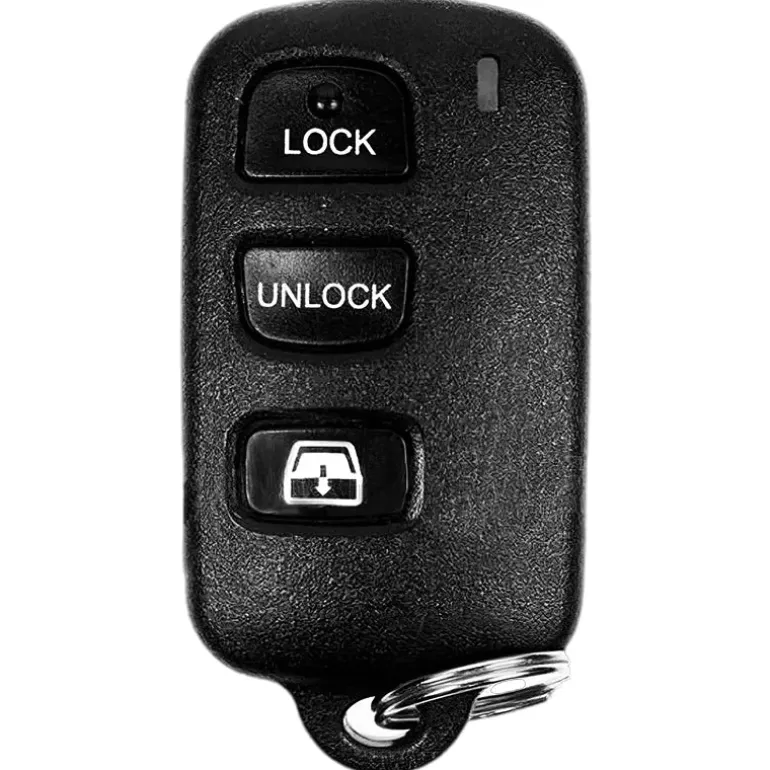
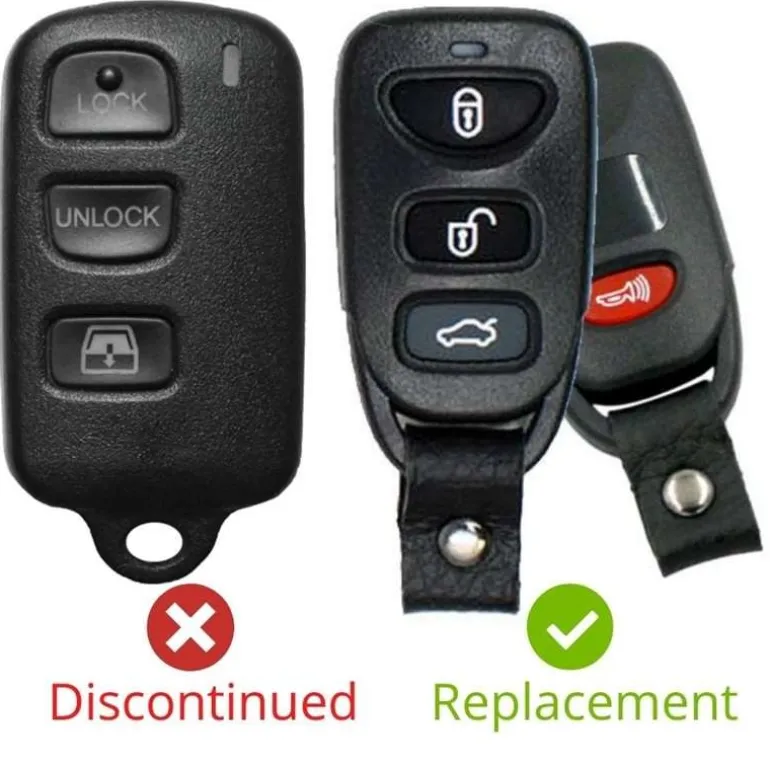
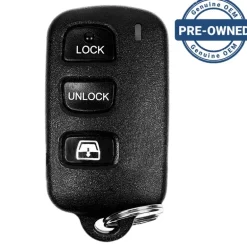
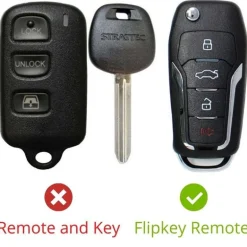
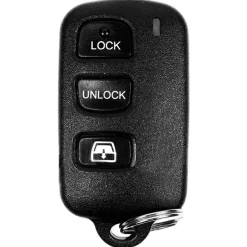
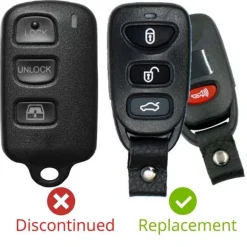
2003 Toyota Sequoia Port-Installed Keyless Entry Remote ELVATDD ELVAT1B
Original price was: 159,00 $.106,89 $Current price is: 106,89 $.
Before Purchasing
Important:Please make sure that your smart key fob looks identical and matches any of the part numbers or FCC IDs listed below. Contact Us with your VIN if you don’t have an existing remote for comparison.
Specifications
Part Numbers:
FCC ID:
Buttons:
Frequency:
Remote Programming:
Battery: (included)
Programming Procedure #614
PROGRAMMING INSTRUCTIONS:
This process will allow you to add new remotes to your system and delete lost remotes:
1. Enter driver seat then close driver door and lockall doorswith the driver’s power door lock.
2. Insert the key in the ignition and turn from OFF to ON 7 times ending in OFF. Do the key turningin less than 10 seconds.
3. Press and hold the LOCK button on remote for up to 5 seconds. A chime indicates the system accepted the remote.
4. Repeat step 3 for every remote you wish to be working on the car including old ones.
5. Remove key from ignition to exit programming mode.
| Color | OEM Pre-owned, Replacement New Flipkey, Replacement New Remote |
|---|
Be the first to review “2003 Toyota Sequoia Port-Installed Keyless Entry Remote ELVATDD ELVAT1B”
Related products



Reviews
There are no reviews yet.