
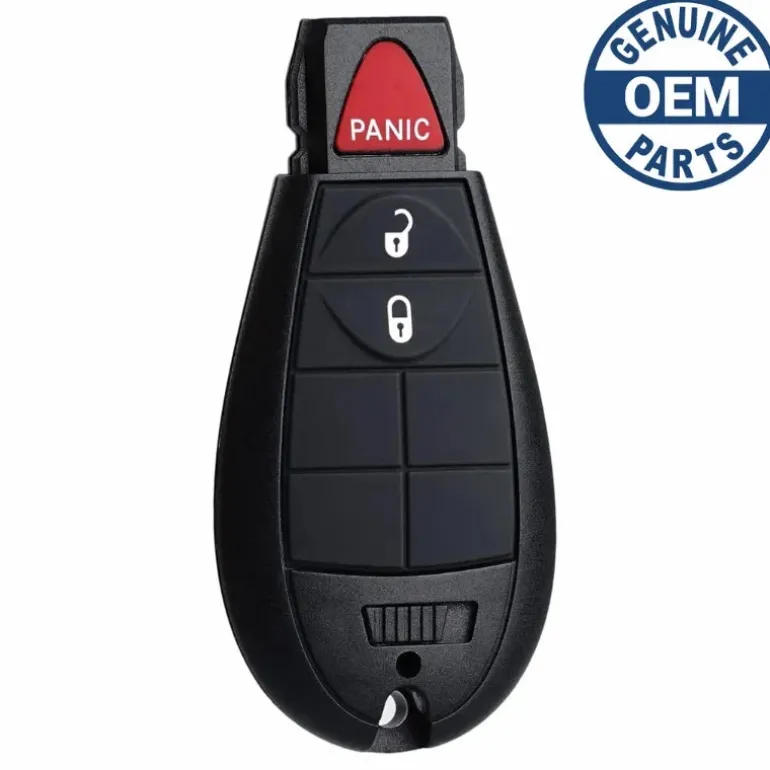
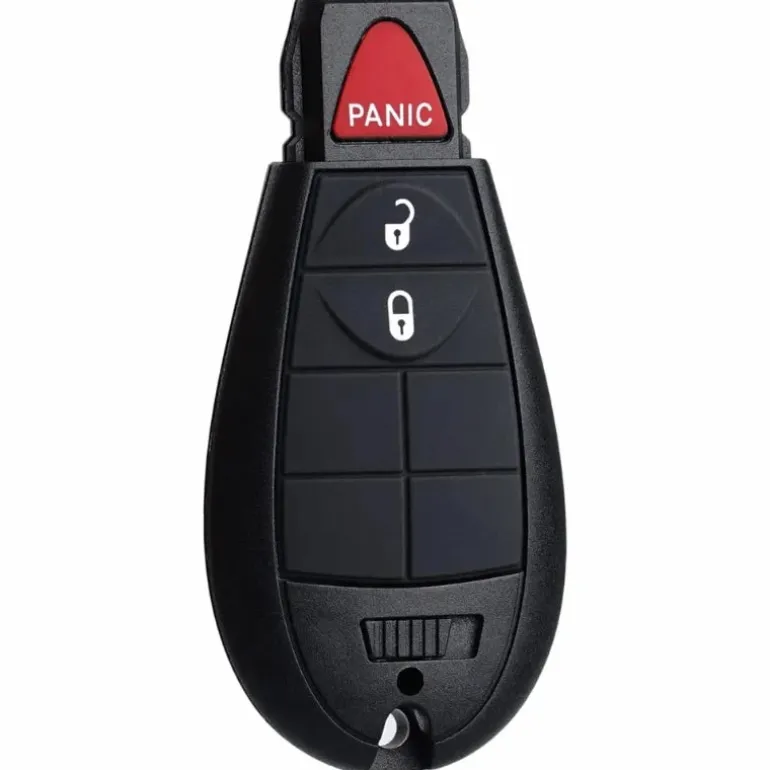
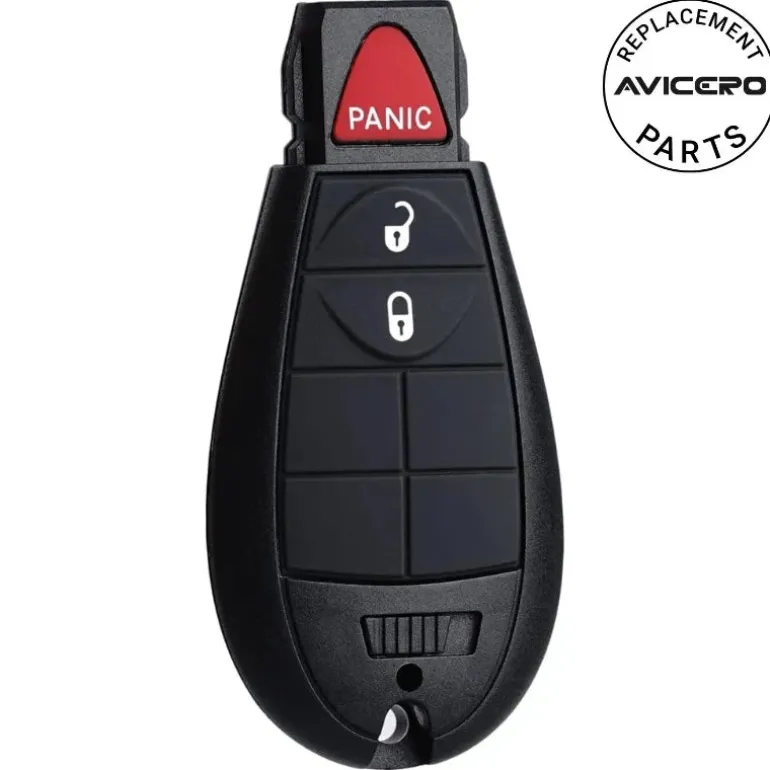
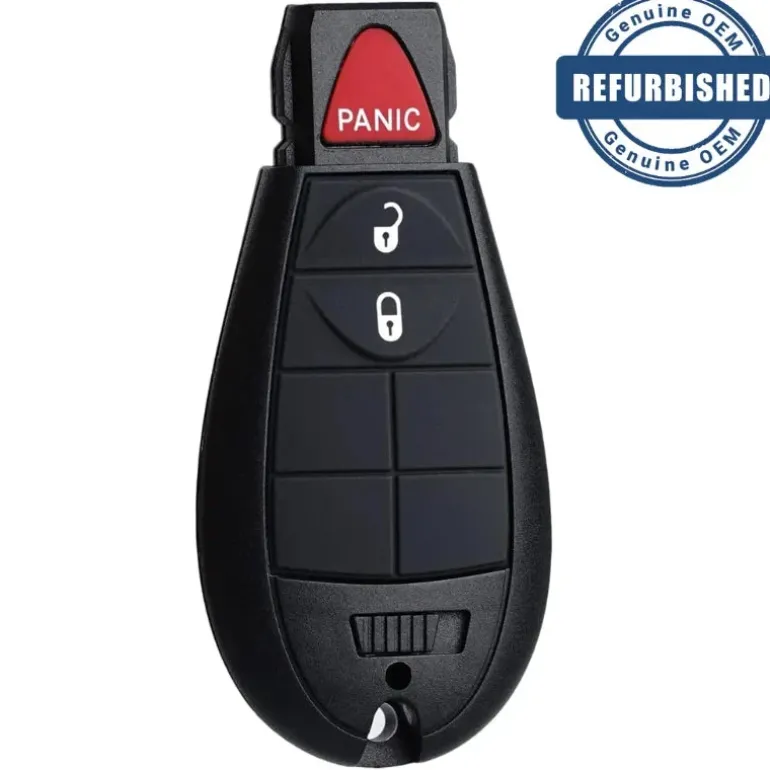
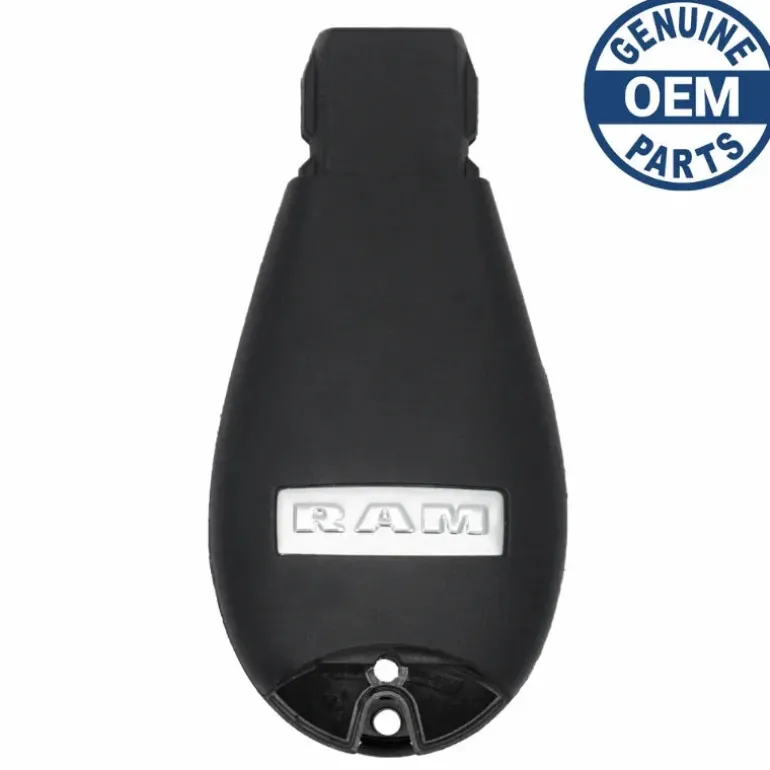
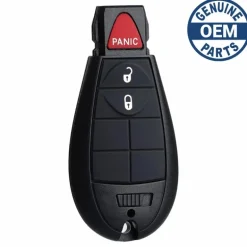
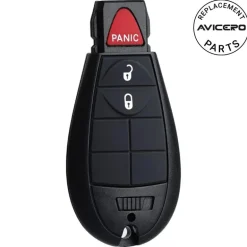
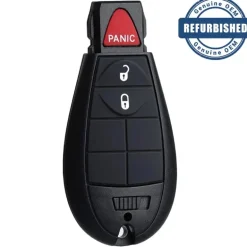
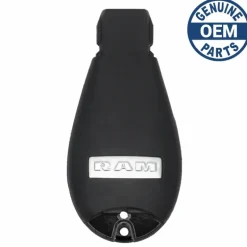
2011 Dodge Ram 1500 Fobik PN: 56046638AG
Original price was: 145,00 $.98,99 $Current price is: 98,99 $.
Before Purchasing
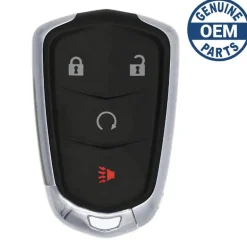
Important:Please make sure that your remote looks identical and matches any of the part numbers or FCC IDs listed below. Contact Us with your VIN if you don’t have an existing remote for comparison.
Note: Regular Fobik works only on vehicles with a regular ignition. If your vehicle has a push-button start then you need a Smart Fobik aka Proximity Fobik.
Specifications
Part Numbers: 56046638AG, 56046638AA, 56046638AB , 56046638AC , 56046638AD , 56046638AE, and 56046638AF
FCC ID: M3N5WY783X and IYZ-C01C
Buttons:
Frequency:
Remote Programming: By Transponder
Led:
Battery (included) :
Programming Procedure #Pchry1
- Insert the first valid FOBIK or POD key into the ignition and turn the ignition on for more than 3 seconds but less than 15 seconds. Turn the ignition off and remove the first key.
- Within 15 seconds, use the second valid FOBIK or POD key to turn the ignition to on. After 10 seconds a chime will sound, and the theft alarm light will begin to flash. Turn the ignition to off and remove the second valid FOBIK or POD key.
- Insert the new invalid key into the ignition and turn the ignition to on within 60 seconds. After 10 seconds a single chime will sound. The theft alarm light will stop flashing, then it will turn on for 3 seconds; then it will turn off.
If you do not have two unique working keys that start the vehicle already:
View more
| Color | Aftermarket New, OEM New, OEM Refurbished |
|---|
Be the first to review “2011 Dodge Ram 1500 Fobik PN: 56046638AG”
Related products
Reviews
There are no reviews yet.