
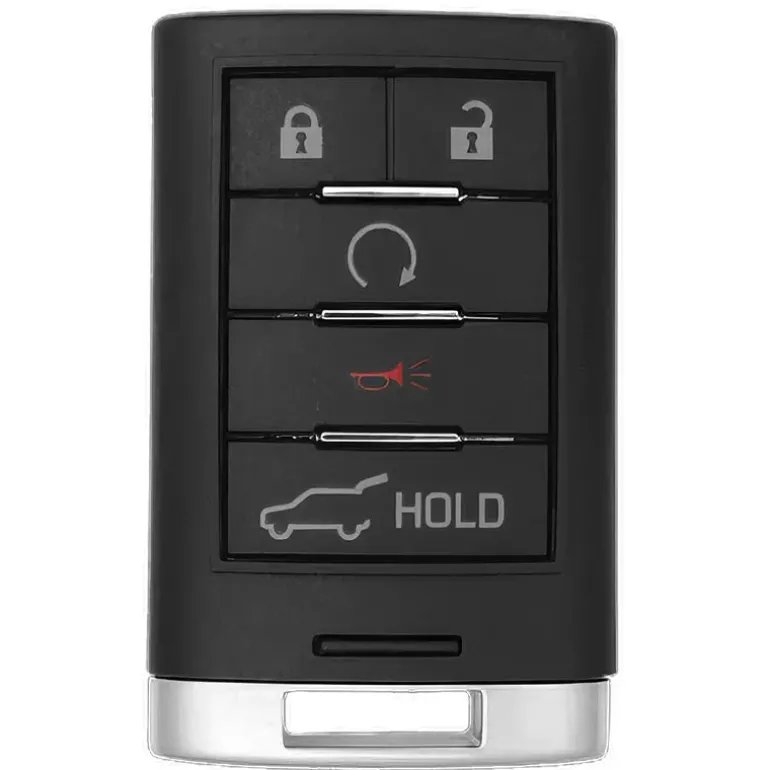
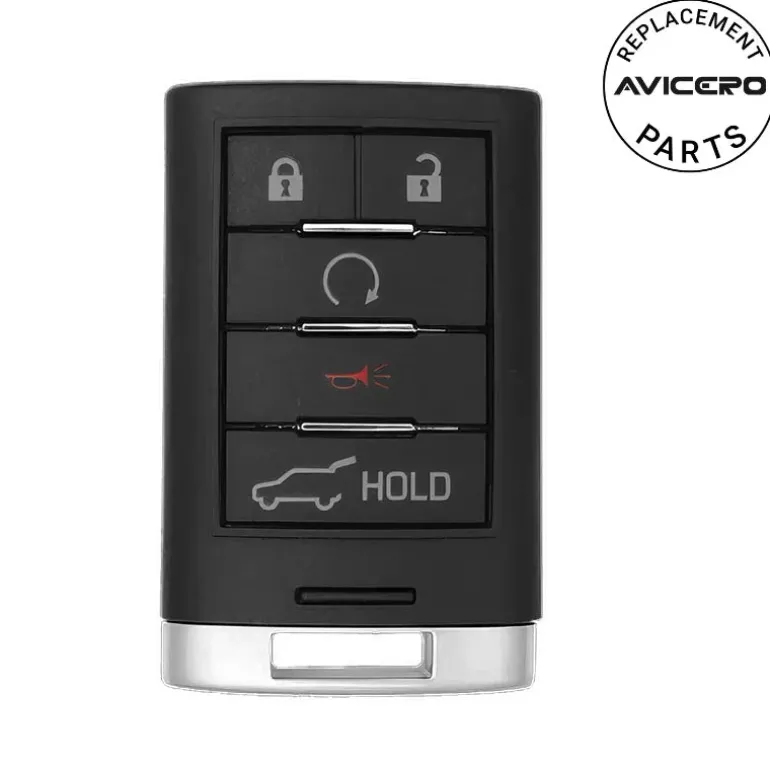
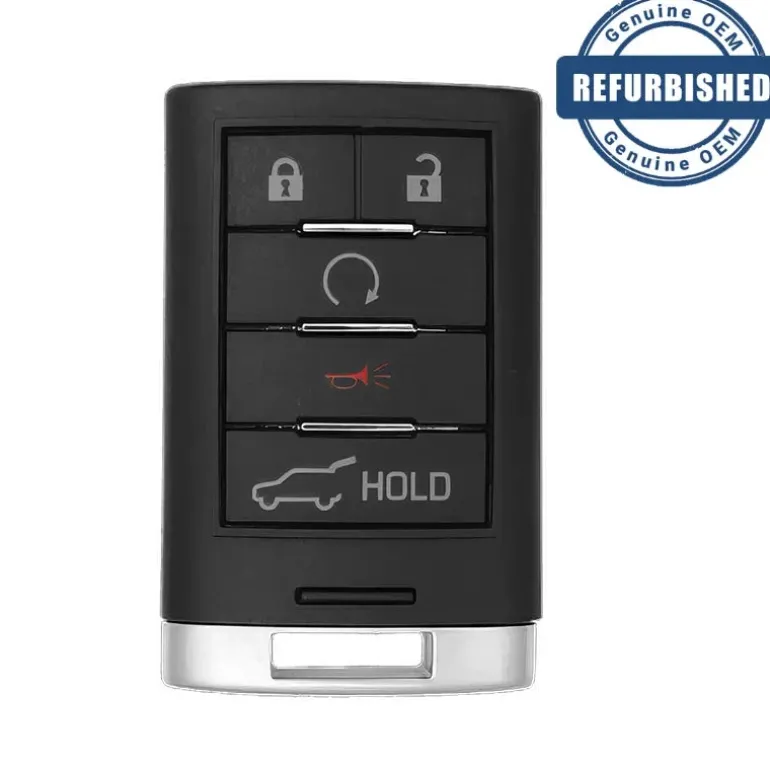
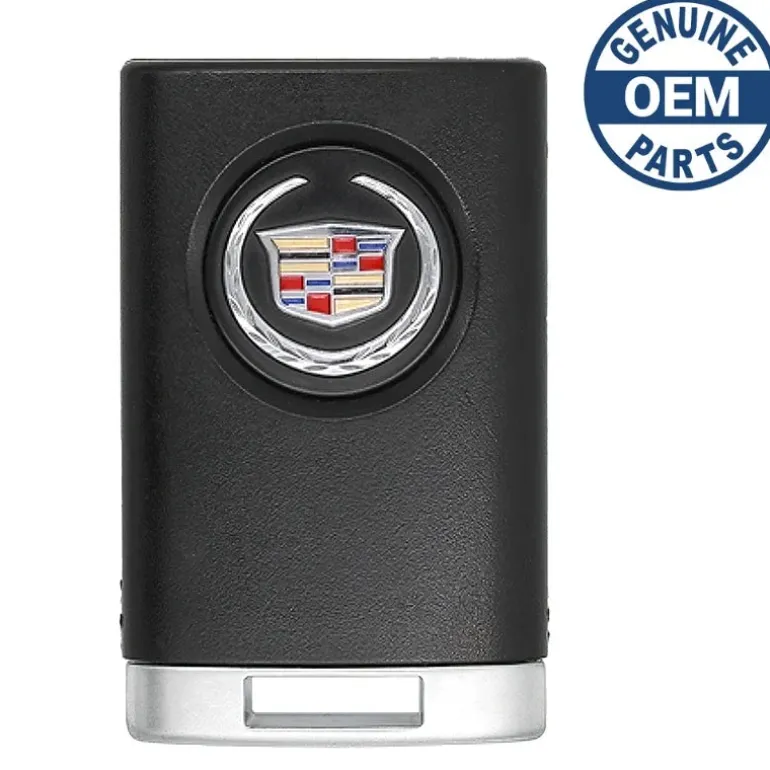
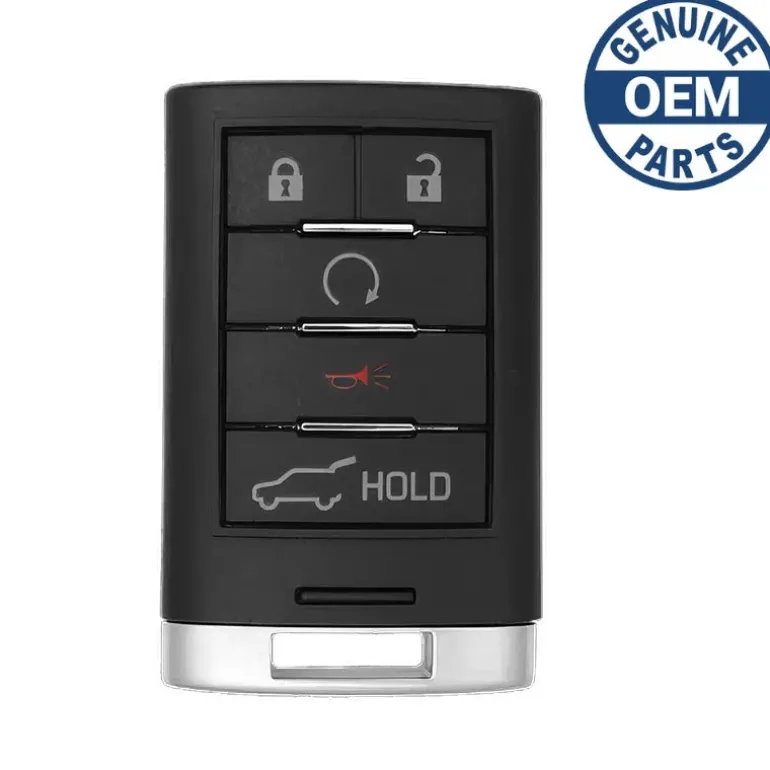
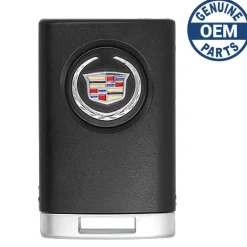
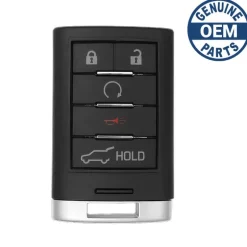
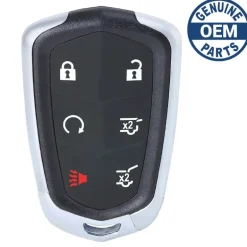
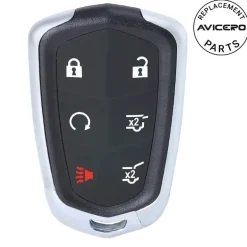
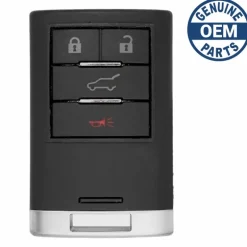
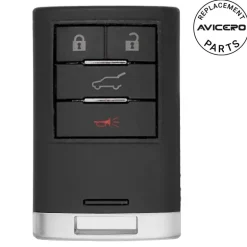
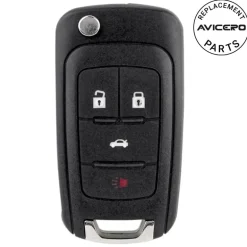
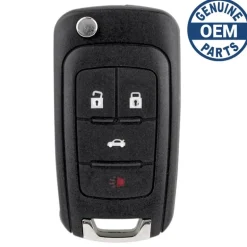
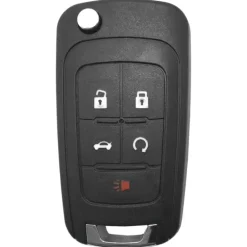
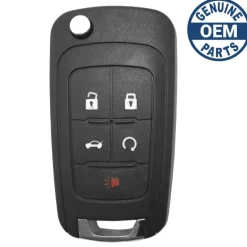
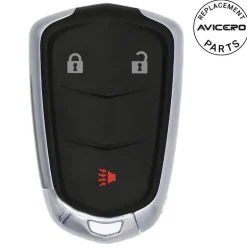
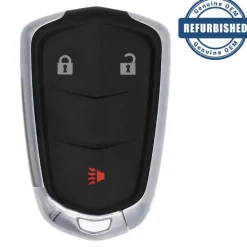
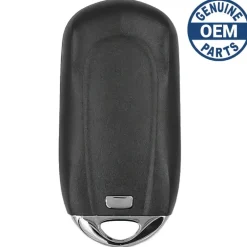
2014 Cadillac SRX Smart Key FCC ID: NBG009768T PN: 22865375
74,99 $
🚨 Stop! Ensure Compatibility Before Ordering!
Important: Some key fobs may look identical but have different internal components. If there are multiple versions of your key fob, you must verify the part number and FCC ID listed in the specifications to ensure compatibility. If only one option exists for your vehicle, VIN verification is not required.
⚠️ When to Provide Your VIN:
If you’re unsure or if multiple versions exist for your model, we recommend verifying with your VIN. You can enter it in the checkout note field, and we will verify it for you before processing your order.
Specifications
Part Numbers: 22865375, 20984227, and 5931857
FCC ID: NBG009768T
Buttons: Lock, Unlock, Panic, Hatch, and Remote Start
Frequency: 315 Mhz
Remote Programming: By Transponder
Transponder Programming: Onboard
Chip ID: PHILIPS ID 46
Battery: CR2032 (included)
Emergency Key: (included)
Programming Procedure #169
Programming with a Recognized Transmitter (Keyless Access Vehicles Only)
A new transmitter can be programmed to the vehicle when there is one recognized transmitter.
To program, the vehicle must be off and all of the transmitters, both currently recognized and new, must be with you.
- Place the recognized transmitter(s) in the cupholder.
- Insert the vehicle key of the new transmitter into the key lock cylinder located on the outside of the driver door and turn the key to the unlock position five times within ten seconds.The Driver Information Center (DIC) displays READY TO LEARN ELECTRONIC KEY #2, 3, 4, ETC.
- Place the new transmitter into the transmitter pocket. The transmitter pocket is inside the center console storage area located between the driver and front passenger seats. The storage area will need to be opened and the storage tray lifted up to access the transmitter pocket.
- Press the ignition. When the transmitter is learned the DIC display will show that it is ready to program the next transmitter.
- Remove the transmitter from the transmitter pocket and press on the transmitter. To program additional transmitters, repeat Steps 3 through 5. When all additional transmitters are programmed, press and hold the ignition for 5 seconds to exit programming mode.
Programming without a Recognized Transmitter (Keyless Access Vehicles Only)
If there are no currently recognized transmitters available, follow this procedure to program up to eight transmitters. This feature is not available in Canada. This procedure will take approximately 30 minutes to complete. The vehicle must be off and all of the transmitters you wish to program must be with you.
- Insert the vehicle key of the transmitter into the key lock cylinder located on the outside of the driver door and turn the key to the unlock position five times within ten seconds. The Driver Information Center (DIC) displays REMOTE LEARN PENDING, PLEASE WAIT.
- Wait for ten minutes until the Dic displays PRESS ENGINE START BUTTON TO LEARN and then press the ignition. The DIC displays will again show REMOTE LEARN PENDING, PLEASE WAIT.
- Repeat Step 2 two additional times. After the third time all previously known transmitters will no longer work with the vehicle. Remaining transmitters can be relearned during the next steps. The DIC display should now show READY FOR REMOTE # 1.
Compatibility
Cadillac
- SRX (2010-2015)
| Color | Aftermarket New, OEM New, OEM Refurbished |
|---|
Be the first to review “2014 Cadillac SRX Smart Key FCC ID: NBG009768T PN: 22865375”
Related products


Reviews
There are no reviews yet.