
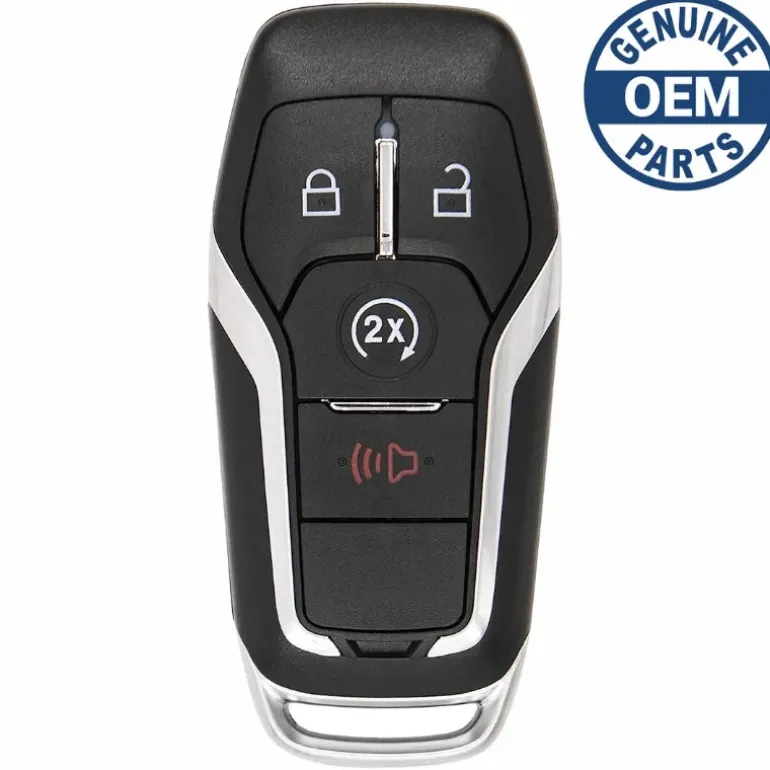
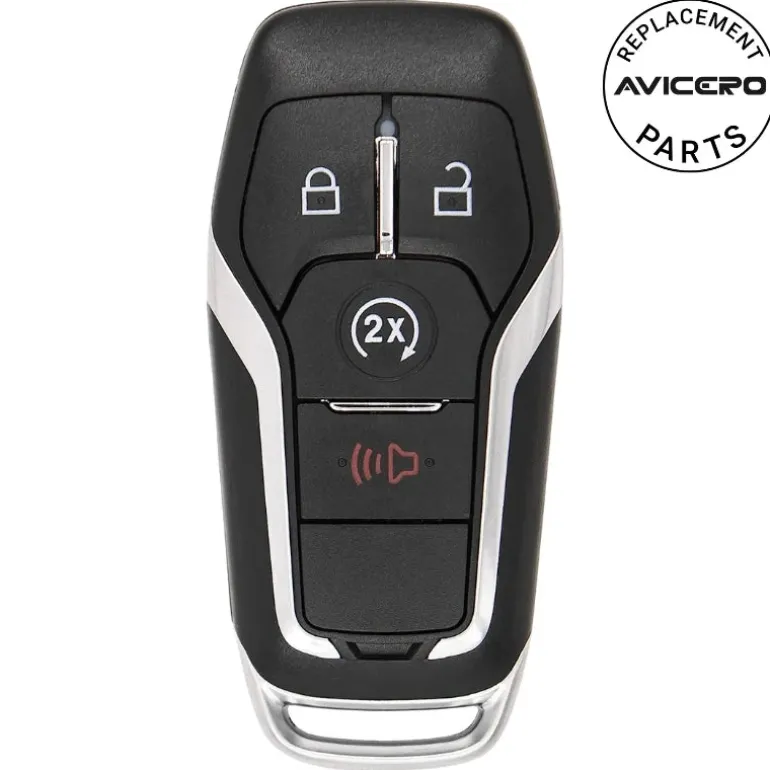
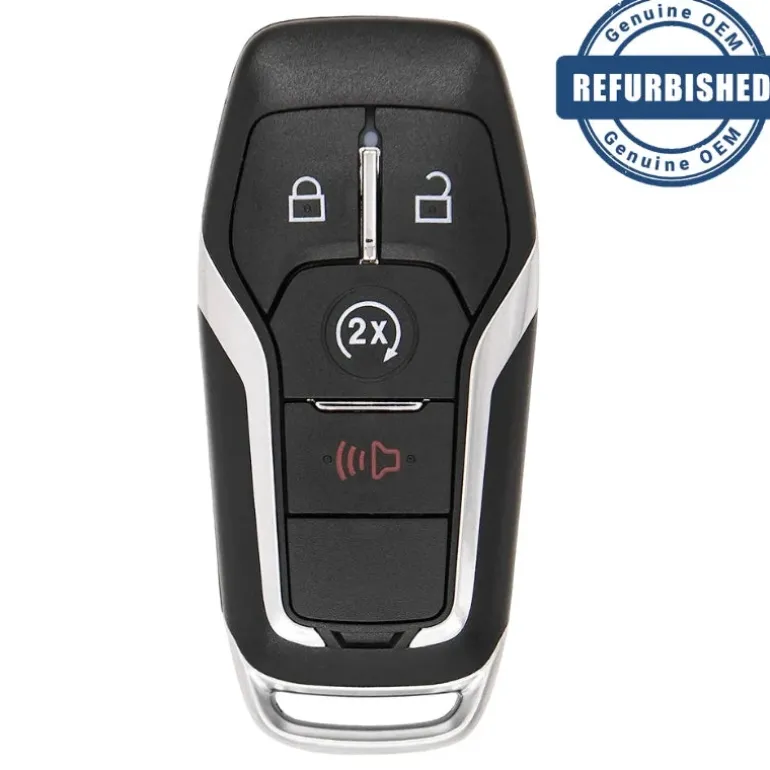
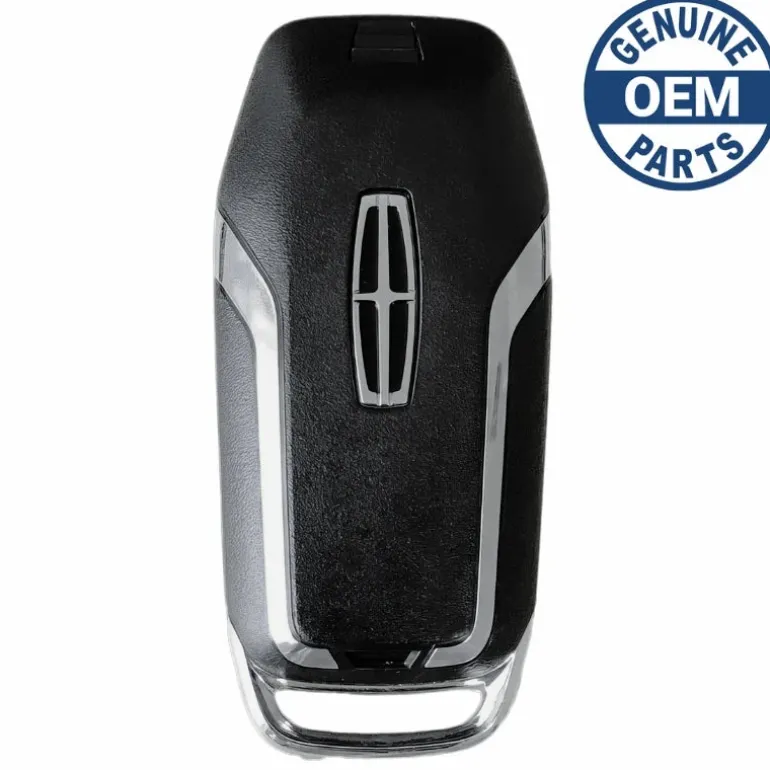
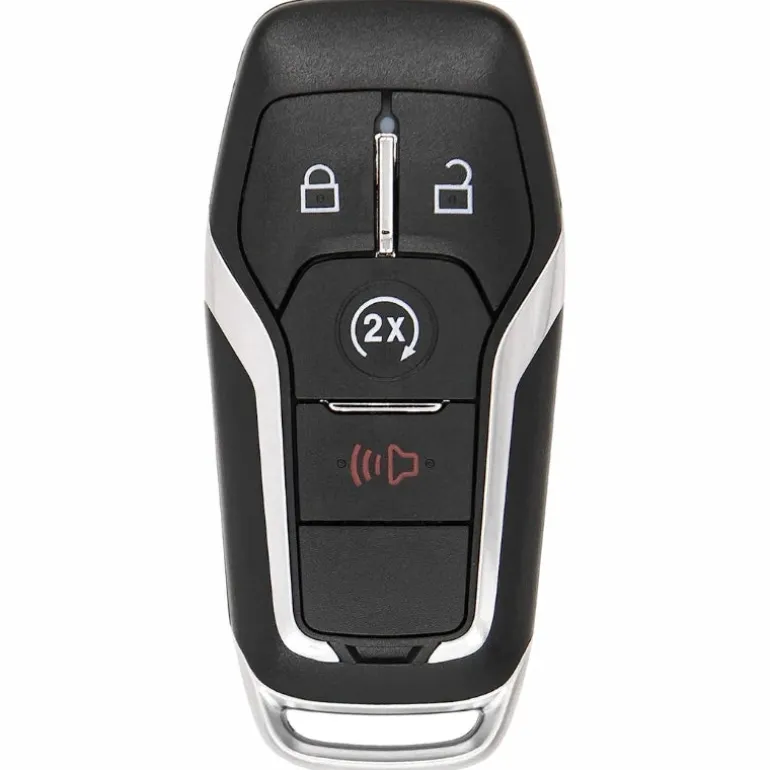
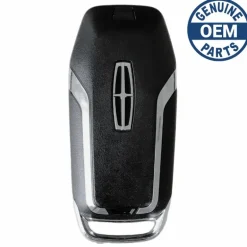
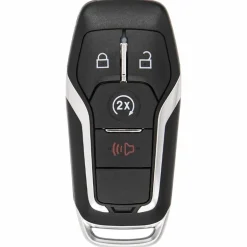
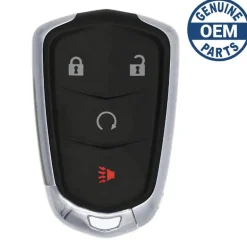
2015 Lincoln MKC Smart Key Fob PN:5925315, 164-R8108
122,99 $
Before Purchasing
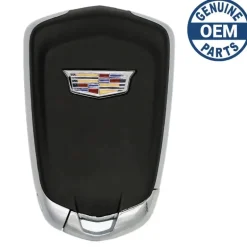
Important:Please make sure that your smart key fob looks identical and matches any of the part numbers or FCC IDs listed below. Contact Us with your VIN if you don’t have an existing remote for comparison.
Specifications
Part Numbers: 5925315 and 164-R8108
FCC ID: M3N-A2C31243300
Buttons: Lock, Unlock, Panic, and Remote Start
Frequency: 902 Mhz
Remote Programming:
Battery: CR2025 (included)
Programming Procedure #PF8
Programming Procedure:
You can program a maximum for four intelligent access keys to your vehicle. You must have two previously programmed intelligent access keys inside your vehicle and the new unprogrammed intelligent access keys readily accessible. See a qualified locksmith to have the spare key programmed if two previously programmed keys are not available. Make sure that your vehicle is off before beginning this procedure. Make sure that you close all the doors before beginning and that they remain closed throughout the procedure. Perform all steps within 30 seconds of starting the sequence. Stop and wait for at least one minute before starting again if you perform any steps out of sequence.
- Read and understand the entire procedure before you begin:
1. Place the first programmed key in the backup slot (A) in the center console, then press the push button ignition switch. Insert the first previously programmed coded key into the ignition.
2. Wait five seconds and then press the push button ignition switch again. Switch the ignition from off to on. Keep the ignition on for at least three seconds, but no more than 10 seconds.
3. Remove the intelligent access key. Switch the ignition off and remove the first coded key from the ignition.
4. Within 10 seconds, place a second programmed intelligent access key in the backup slot. Press the push button ignition switch. After three seconds but within 10 seconds of switching the ignition off, insert the second previously coded key into the ignition.
5. Wait five seconds and then press the push button ignition switch again. Switch the ignition from off to on. Keep the ignition on for at least three seconds, but no more than 10 seconds.
6. Remove the intelligent access key. Switch the ignition off and remove the second previously programmed coded key from the ignition.
7. Place the unprogrammed intelligent access key in the backup slot and press the push button ignition switch. After three seconds but within 10 seconds of switching the ignition off and removing the previously programmed coded key, insert the new unprogrammed key into the ignition. Programming is now complete. Verify the remote-control functions operate and your vehicle starts with the new intelligent access key. If programming was not successful, wait 10 seconds and repeat Steps 1 through 7.
Compatibility
Lincoln
- MKX (2016-2018)
- MKC (2015-2016)
| Color | Aftermarket New, OEM New, OEM Refurbished |
|---|
Be the first to review “2015 Lincoln MKC Smart Key Fob PN:5925315, 164-R8108”
Related products

Reviews
There are no reviews yet.