
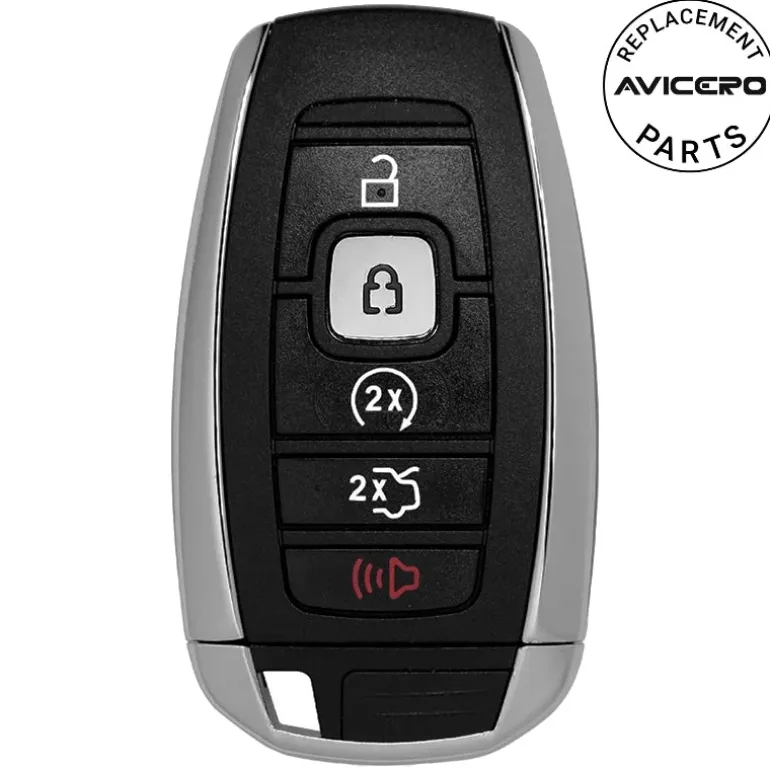
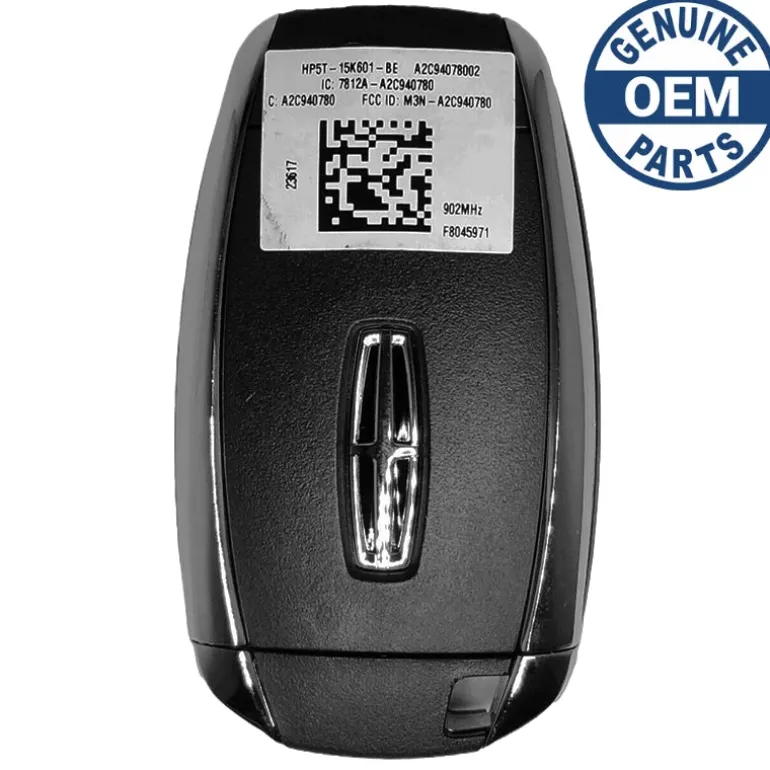
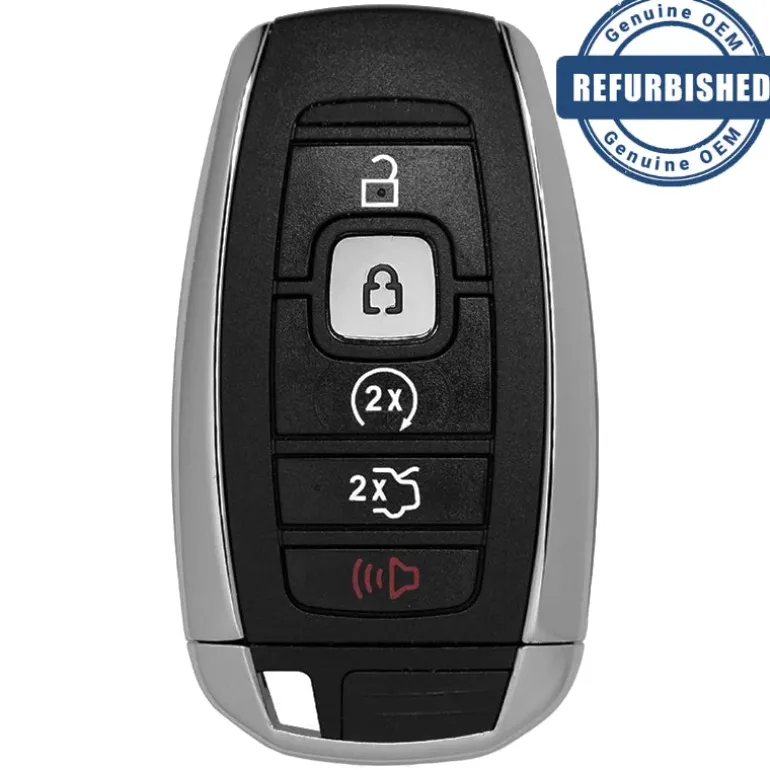
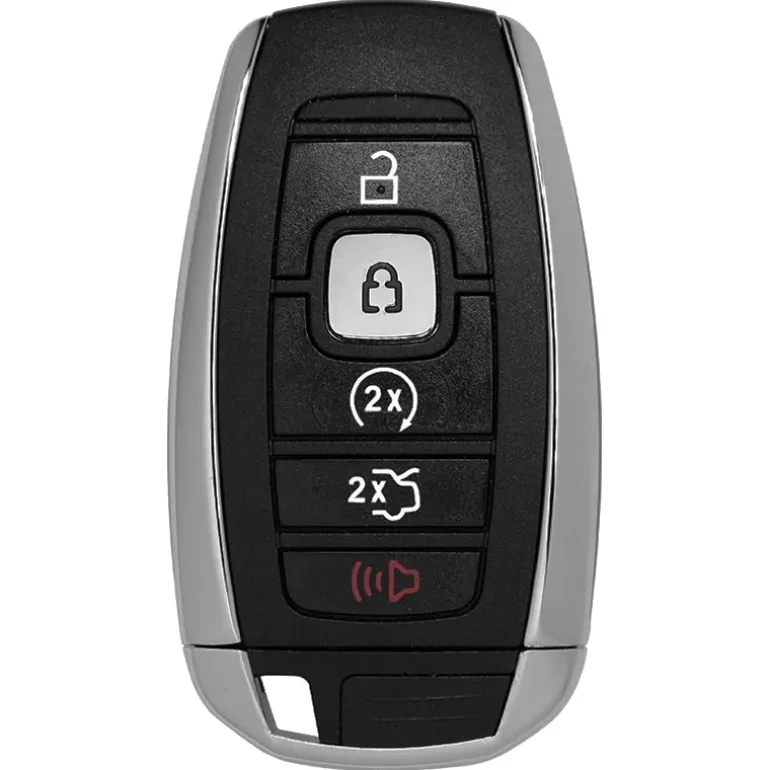
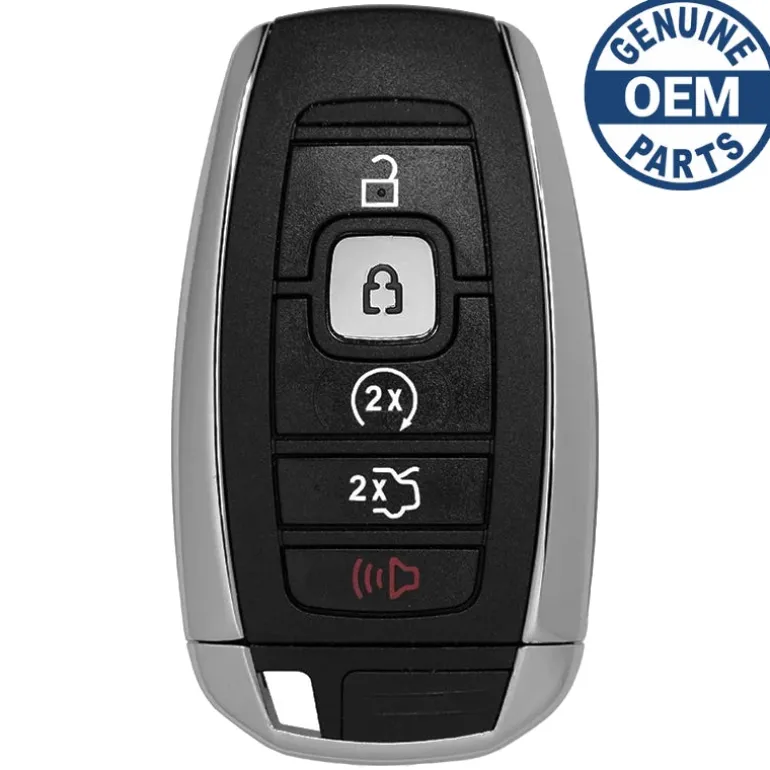
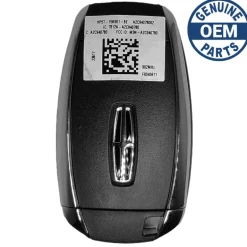
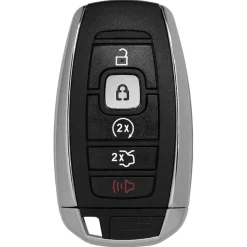
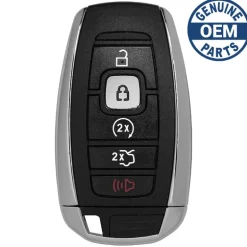
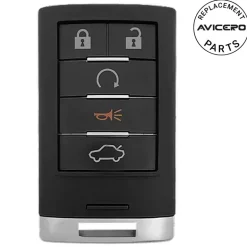
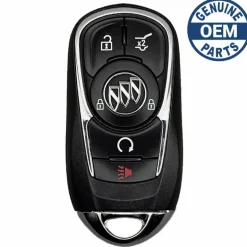
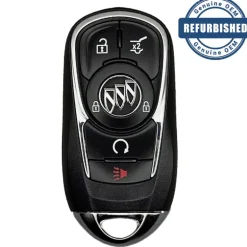
2016 Lincoln MKZ Smart Key Remote FCC ID: M3N-A2C94078000; PN: 5929515, 164-R8154
Original price was: 199,00 $.135,89 $Current price is: 135,89 $.
🚨 Stop! Ensure Compatibility Before Ordering!
Important: Some key fobs may look identical but have different internal components. If there are multiple versions of your key fob, you must verify the part number and FCC ID listed in the specifications to ensure compatibility. If only one option exists for your vehicle, VIN verification is not required.
⚠️ When to Provide Your VIN:
If you’re unsure or if multiple versions exist for your model, we recommend verifying with your VIN. You can enter it in the checkout note field, and we will verify it for you before processing your order.
Specifications
Part Numbers: 5929515, HP5T-15K601-BE, and 164-R8154
FCC ID: M3N-A2C94078000
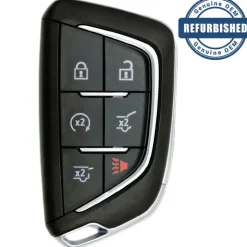
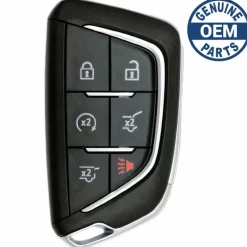
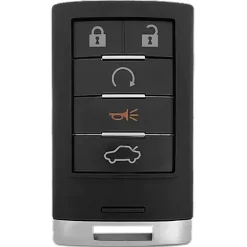
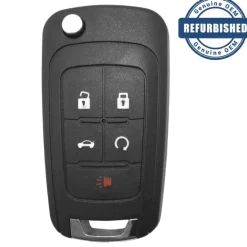
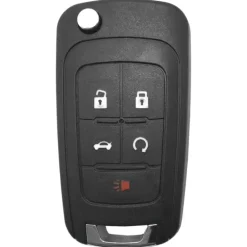
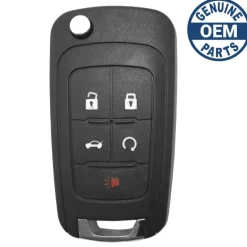
Buttons: Lock, Unlock, Panic, Remote Start, and Trunk
Frequency: 902 MHz
Remote Programming:
Transponder Programming:
Chip ID:
Battery: CR2450 (included)
Emergency Key: (included)
Programming Procedure #PF7
PROGRAMMING A SPARE INTELLIGENT ACCESS KEY
NOTE:
You can program a maximum for four intelligent access keys to your vehicle. You must have two previously programmed intelligent access keys inside your vehicle and the new unprogrammed intelligent access keys readily accessible. See a qualified locksmith to have the spare key programmed if two previously programmed keys are not available. Make sure that your vehicle is off before beginning this procedure. Make sure that you close all the doors before beginning and that they remain closed throughout the procedure. Perform all steps within 30 seconds of starting the sequence. Stop and wait for at least one minute before starting again if you perform any steps out of sequence.
Read and understand the entire procedure before you begin:
- Place a programmed intelligent access key in the backup slot in the center console. The key ring must be at the top with the buttons facing toward the rear.
- Wait 5 seconds, and then press the START/STOP button.
- Remove the intelligent access key.
- Within 10 seconds, place a second programmed intelligent access key in the backup slot and press the START/STOP button.
- Wait 5 seconds, and then press the START/STOP button again.
- Remove the intelligent access key.
- Wait 5 seconds, then place the unprogrammed intelligent access key in the backup slot and press the START/STOP button. Programming is now complete. Verify the remote-control functions operate and your vehicle starts with the new intelligent access key. If programming was not successful, wait 10 seconds and repeat Steps 1 through 7.
Compatibility
Lincoln
- Continental (2017-2019)
- MKZ (2016-2019)
- MKC (2017-2017)
- Nautilus (2019-2019)
- Navigator (2018-2019)
- MKX (2016-2019)
| Color | Aftermarket New, OEM New, OEM Refurbished |
|---|
Be the first to review “2016 Lincoln MKZ Smart Key Remote FCC ID: M3N-A2C94078000; PN: 5929515, 164-R8154”
Related products
Reviews
There are no reviews yet.