
Code Alarm CATX4 |H5OT49 | Tested, Guaranteed To Work
50,99 $
Works on: CA1050, CA1051, CA1150, CA115, CA1551, CA2051, CA5051, CA5051MT, CA5150, CA6150, CA6151, CA6550, CA6551.
Battery included.
You will need to use the valet switch (programming/override button) to perform the programming procedure. It is possible to perform programming without the valet switch but you would need to access the receiver under the dash. We have a troubleshooting procedure for how to do this that we can provide upon request.
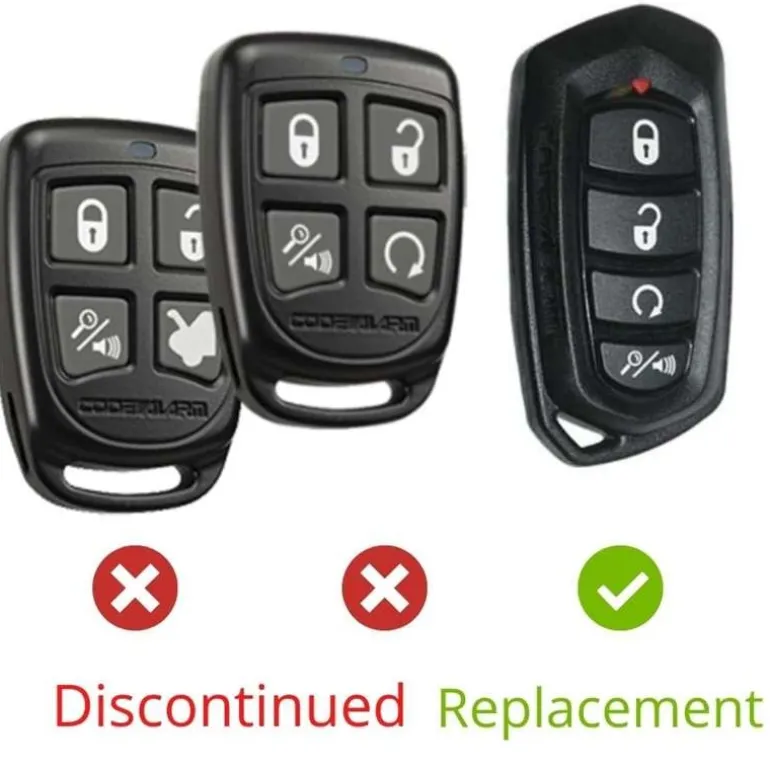
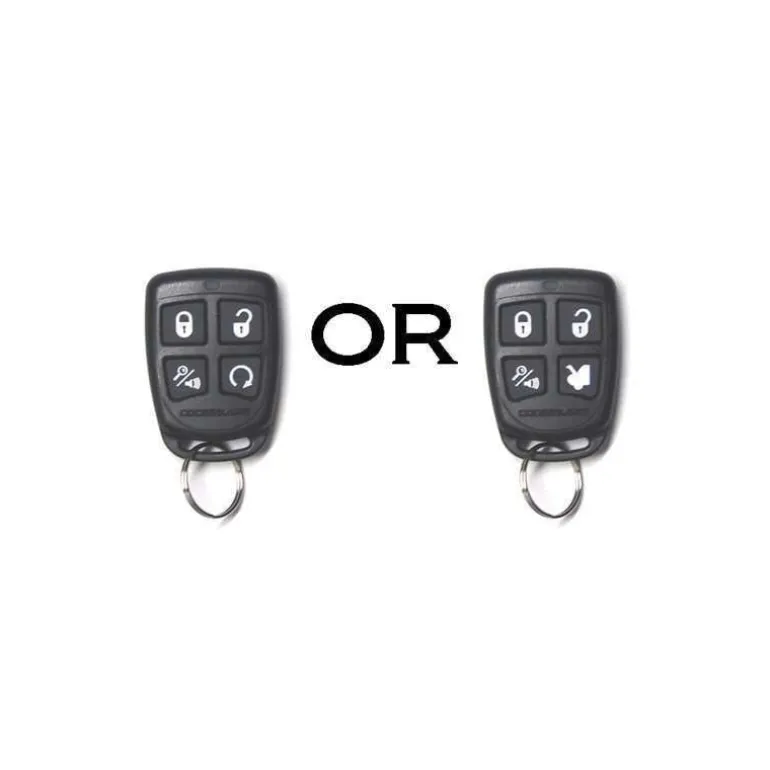
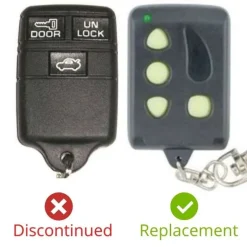
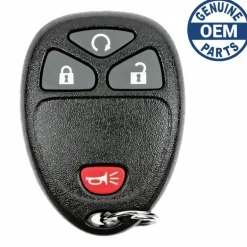
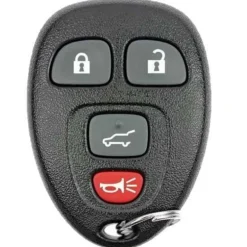
There are 2 button styles for this remote but the two styles are the same remote. We mix them together since they are the same. Style 1 is as pictured with button 4 being remote start. Style 2 is with button 4 being trunk instead.
Programming Procedure:
1) Turn the ignition ON.
2) Press and hold the valed/override button.
3) Within 10 seconds the system will chirp/flash the parking lights (3) three times, release the button.
4) Press Button 1 of each transmitter you wish to program. The system will respond with 1 chirp for each accepted transmitter (up to 4).
5) Turn the Ignition OFF to exit programming. The system will also exit programming ater 15 seconds of inactivity.
Note: The system has 1 button programming which programs all channels of the system.
⚠️ Important: Verify Compatibility Before Purchase!
Important Note:
Please note that aftermarket remote controls are not universally compatible. They are designed for specific aftermarket systems.
Before purchasing, ensure your remote’s FCC ID/Part Number or system model under the dash matches. If you’re unsure, please contact us:
+1-386-586-3650
| Color | Pre-owned, Replacement New |
|---|
Be the first to review “Code Alarm CATX4 |H5OT49 | Tested, Guaranteed To Work”
Related products
General Motors
General Motors

General Motors
General Motors
General Motors
Reviews
There are no reviews yet.